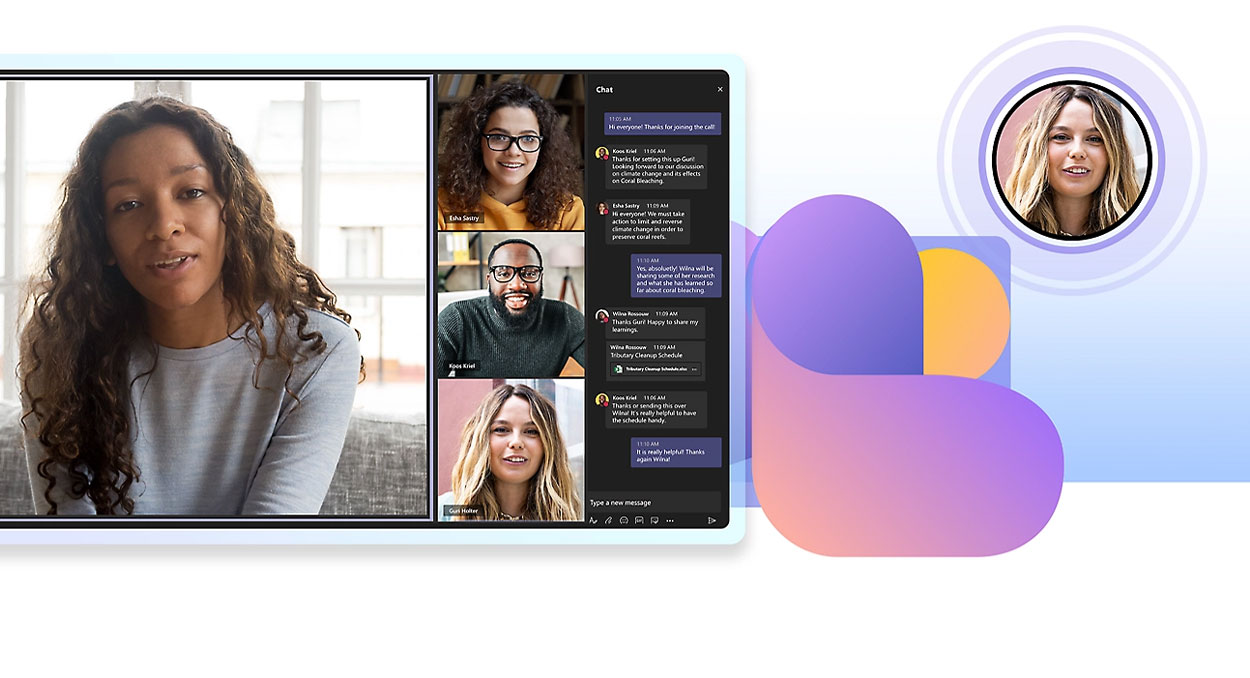
The conversation around Microsoft Teams Rooms has moved on. Customers are no longer just asking how to modernise meeting spaces; they are asking how to build rooms that are AI and AI Agent enabled, ready to support Microsoft Copilot, Microsoft Facilitator for meeting transcriptions, live translations and the next generation of AI-powered in-room meeting hosts.
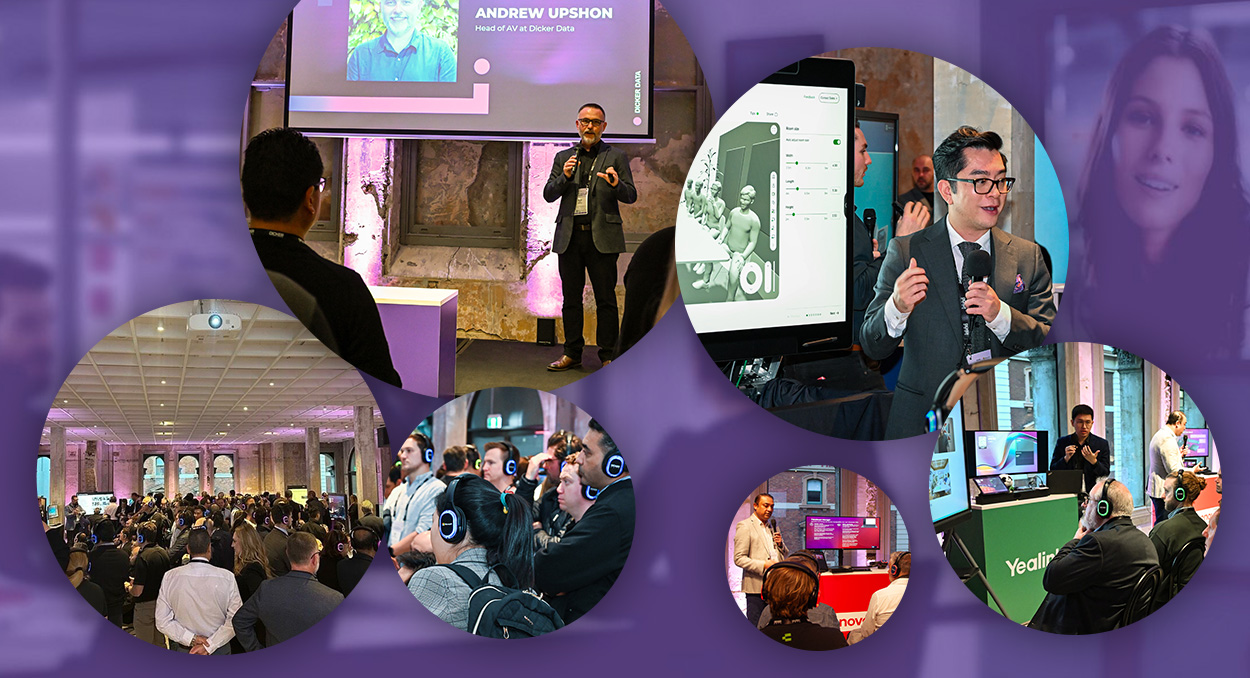
“AI-ready meeting rooms are no longer about one device at the front of the room. They’re about building an ecosystem where compute, audio, video, room design and management all work together to create better meeting outcomes.” – Andrew Upshon, Head of AV/UC, Dicker Data
For partners, the opportunity is to move beyond standalone meeting room hardware and help customers build complete Microsoft Teams Rooms ecosystems where meeting room hardware, the device management and AI-enabled software work together.
Why AI-ready Microsoft Teams Rooms need an ecosystem approach
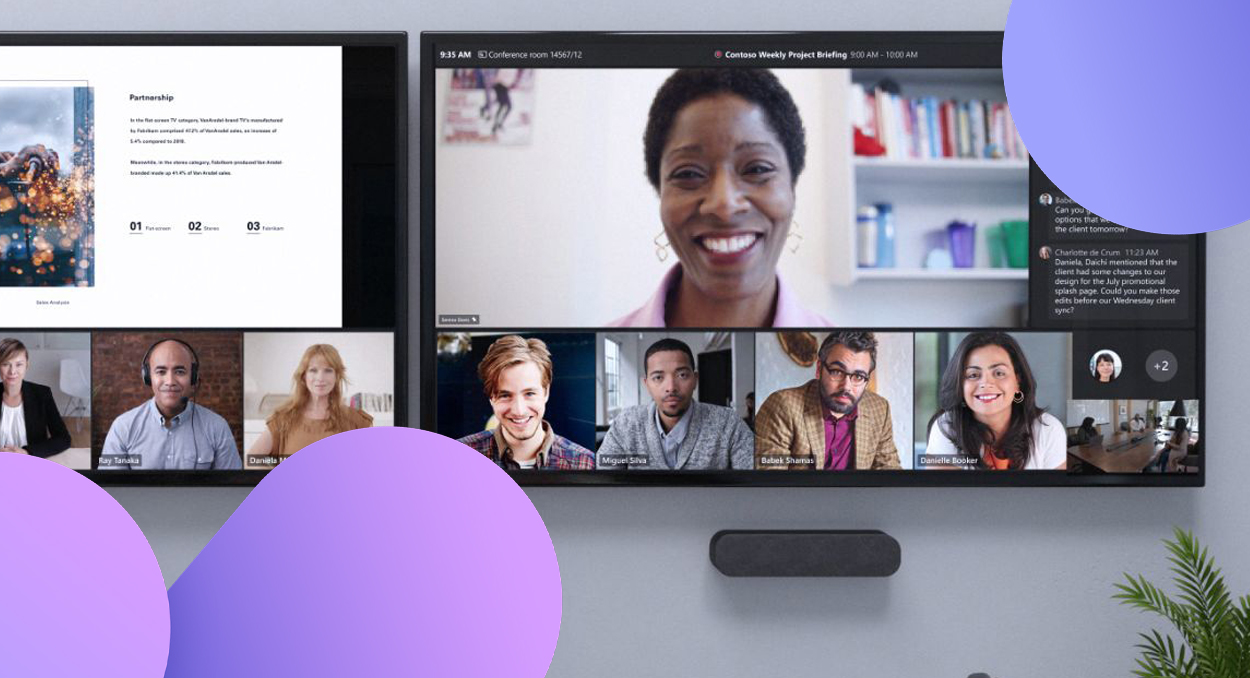
An AI-ready Microsoft Teams Room is not defined by one screen, one camera or one compute device. Compute powers the room, audio captures the conversation, cameras create context, room design matches the technology to the space, and management platforms support scale.
Together, these layers create meeting environments that are ready for Microsoft’s latest AI capabilities that make meetings more efficient and easier to host.
Across the Microsoft Teams Rooms ecosystem, vendors are solving different parts of the same challenge: helping partners move customers from individual meeting room products to integrated collaboration ecosystems that are certified to work with Microsoft Teams Rooms. Explore Dicker Data’s Pro AV & Displays solutions and AV & Collaboration Sales Guide for broader solution support.
Barco: Simplifying wireless collaboration for Microsoft Teams Rooms
"Barco’s ClickShare Hub brings wireless presentation into a Microsoft Teams Rooms solution built on the enterprise grade Microsoft Device Ecosystem Platform (MDEP) system. Designed to be simple to install and integrate across a variety of rooms sizes and types, it helps customers connect their laptops to the Teams Rooms meeting room system and share directly into the meeting at the click of a button." - Mario Casuscelli, Channel Account Manager, Barco.
This gives partners a simpler way to position Microsoft Teams Rooms as part of a connected workplace collaboration experience.
Cisco: Microsoft Teams Rooms solutions by design
"Room design is often where Microsoft Teams Rooms projects become complicated. Cisco Workspace Designer gives customers and partners a way to set room specifications, receive device recommendations, map cabling requirements and check whether the room has the right microphone coverage for the best AI experience." - Yvette Vials, Partner Account Executive, Cisco.
This helps partners move from one-off meeting room designs to repeatable Microsoft Teams Rooms deployment models, while giving customers confidence that each solution is matched to the space and backed by a powerful range of AI enabled collaboration devices to suite most corporate meeting room spaces.
HP: Centralising the modern workplace experience
"HP Workforce Experience Platform (WXP) brings device management into a single view across HP Poly collaboration products, peripherals, notebooks, printers and third-party hardware. For customers managing a growing number of workplace devices, this kind of centralised visibility can help simplify operations and improve the end-user experience." - Sean Stephens, National Partner Business Manager, HP Poly.
With a range of Windows and Android based devices, that both cover meeting room types from small and huddle rooms, to medium, large and even complex meeting spaces, there is a product for everyone.
Jabra: Giving clearer meeting context
"Jabra’s new PanaCast Room Kit Multi brings together a table-based Jabra PanaCast SpeakerMic and P55 video bar with multiple additional side of room cameras for medium and larger spaces. The goal is to give Microsoft Teams Rooms a clearer meeting context by capturing both high-quality audio and deeper video visibility across the room." - Daniel Leary, Collaboration Business Manager, Jabra.
Better audio capture supports more accurate transcription and meeting recaps, while richer visual coverage helps customers improve the Microsoft Teams Rooms experience in larger spaces.
Lenovo: Powering AI-ready Microsoft Teams Rooms
"Lenovo is positioning the meeting room compute layer as the foundation for future AI-powered collaboration. With the ThinkSmart Core Gen 2 + IP Controller Kit for Teams Rooms, Lenovo describes its technology as “the brain in the meeting room”, built to support emerging Microsoft Teams Rooms AI workloads such as live translation, facilitator agents, automated meeting notes and future room readiness checks." - Tom Hamblyn, ANZ ICS Market Development BDM, Lenovo.
As customers bring Microsoft AI-enabled meeting experiences into physical spaces, the room needs a reliable foundation that can support today’s hybrid work requirements and tomorrow’s AI capabilities.
Logitech: Making hybrid meetings more inclusive
"Logitech is continuing to evolve the hybrid meeting experience with technologies designed to keep people clearly seen and heard. Its Rally Board 65 features RightSight 2 and RightSound 2 technologies, with intelligent camera capabilities help keep people feel more included in the Teams meeting." - Joseph Touma, Category Manager, Logitech.
For hybrid teams, intelligent camera and audio technologies help create a more natural Microsoft Teams Rooms experience of the people in the room and those joining remotely.
Neat: Improving meeting intelligence in Microsoft Teams Rooms
"Neat is bringing everyone to the meeting room table, by creating more inclusive meeting room experiences through solutions such as Neat Center, which can support multiple centre-of-table devices in larger rooms. This helps the people in the room be seen more clearly regardless of whether they are looking at the front of the room or across the meeting room table, plus they capture higher-quality audio, which helps improve the Microsoft Teams Rooms meeting notes, transcription, translation and other action items. " - James Ware, Global Strategic Alliances Leader, Neat.
This reinforces a key point for customers: better meeting intelligence starts with better in-room capture.
Shure: Improving Microsoft Teams Rooms audio for AI-powered meetings
Shure IntelliMix Room Kits for Microsoft Teams Rooms help improve the quality of audio captured in each room, whilst supporting a full ecosystem of cameras, controller and compute to help build a Shure backed solution in each room type.
AI based tools in the meeting room are only as good as the Audio, so using the best audio systems on the market help in supporting clearer transcription, meeting summaries, action items and more reliable AI-generated outputs.
For partners, AI-ready meeting rooms start with a conversation around the audio requirements for each space. The right in-room audio technology captures high-quality speech, and helps Microsoft’s AI capabilities generate more reliable insights.
Yealink: Scaling Microsoft Teams Rooms experiences across every space
"Yealink is focused on helping partners deliver Microsoft Teams Rooms experiences across different room sizes, from huddle spaces to larger meeting environments. Its all-in-one meeting board and Yealink MeetingBar series combine noise cancellation and video tracking to help improve the quality and consistency of hybrid meetings."- Brandon Zhou, Country Manager, Yealink.
That scalability helps partners support more customer environments with consistent Microsoft Teams Rooms experiences across huddle spaces, medium rooms and larger meeting areas.
How Dicker Data helps partners deliver end-to-end Microsoft Teams Rooms solutions
Dicker Data helps partners bring the Microsoft Teams Rooms ecosystem together, connecting the vendor technologies, Microsoft expertise and delivery support into complete, customer-ready solutions.
As Microsoft Teams Rooms evolves into AI-enabled collaboration ecosystems, partners need the right support to design, position and deliver complete solutions. From opportunity identification and room mapping to vendor alignment, Microsoft licensing, demonstrations, configuration, logistics, deployment services and lifecycle planning, Dicker Data helps partners turn complex room requirements into repeatable growth opportunities.
“For partners, the value is in helping customers move from isolated room decisions to repeatable, scalable collaboration environments. When the ecosystem is designed properly, Microsoft Teams Rooms become easier to sell, easier to deploy and better positioned for the next wave of AI-enabled meeting experiences.” – Andrew Upshon, Head of AV/UC, Dicker Data
Frequently asked questions
What is an AI-ready Microsoft Teams Room?
An AI-ready Microsoft Teams Room is a meeting space designed to support AI-enabled collaboration features through the right combination of compute, audio, video, room design, software, licensing and device management. Rather than relying on a single device, it brings multiple technologies together to improve meeting capture, participation, transcription and ongoing room performance.
Do Microsoft Teams Rooms support Microsoft Copilot?
Microsoft Teams Rooms can support Microsoft Copilot experiences when the room environment, licensing and meeting setup are configured appropriately. For partners, the focus should be on designing rooms with high-quality audio capture, reliable video coverage and compatible Teams Rooms hardware so AI-generated summaries, transcriptions and meeting insights have the strongest possible input.
What hardware is required for AI-powered Microsoft Teams Rooms?
AI-powered Microsoft Teams Rooms need more than a display. Key hardware considerations include Teams Rooms-certified compute, cameras, microphones, speakers, control panels, room scheduling devices and, in larger spaces, additional centre-of-table or ceiling-mounted capture solutions. The right mix depends on the room size, meeting style, acoustic environment and customer requirements.
Why is audio important for Microsoft Copilot and meeting transcription?
Audio quality is critical because AI meeting tools rely on the words captured in the room. Clear speech capture can help improve the accuracy of meeting transcriptions, summaries, action items and AI-generated outputs. Poor audio can reduce the quality of those insights, especially in larger rooms, noisy environments or spaces where not every speaker is close to a microphone.
What is the Microsoft Teams Rooms ecosystem?
The Microsoft Teams Rooms ecosystem includes the hardware, software, licensing, design tools, management platforms and deployment support needed to deliver complete meeting room experiences. This can include Microsoft Teams Rooms-certified devices, collaboration peripherals, professional audio, cameras, displays, room controllers and partner services that help customers standardise meeting spaces across their business.
How can partners help customers build AI-ready meeting spaces?
Partners can help customers by assessing each room, identifying the right mix of certified hardware, aligning Microsoft licensing, improving audio and video capture, and creating repeatable designs that can scale across multiple spaces. With support from Dicker Data’s Pro AV and collaboration ecosystem, partners can package room-based solutions that are easier to position, deploy and manage over time.