



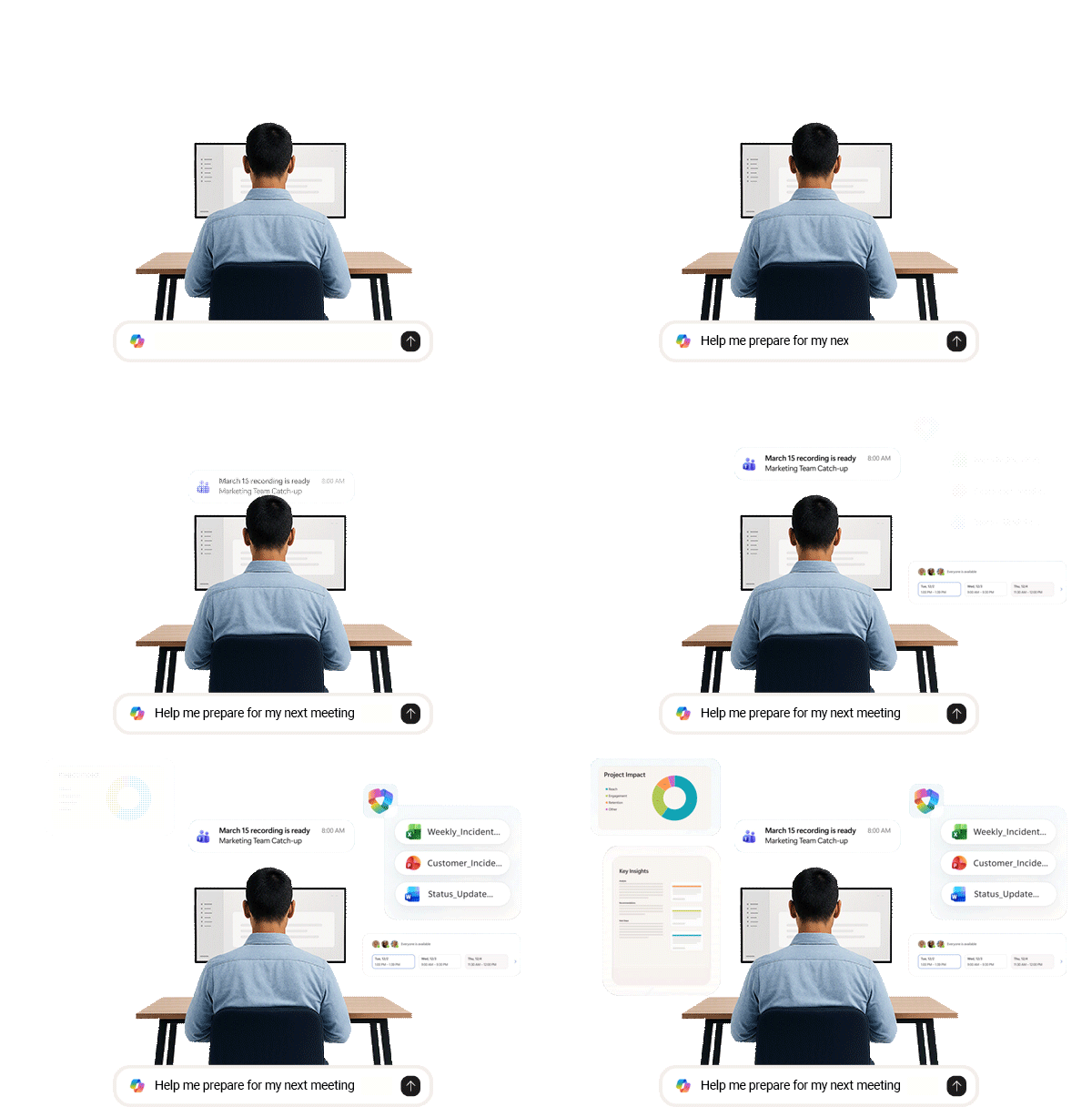

Build confidence using Microsoft 365 Copilot across everyday tools

Learn practical prompts to get better results, faster

Create content, analyse data, and summarise information with ease

Discover how Copilot enhances collaboration in Teams and Outlook

Explore advanced capabilities like agents, automation, and AI-powered insights
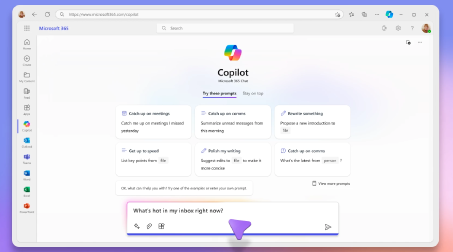
Day 1:
Foundations + Collaboration
-
Copilot fundamentals and prompt mastery
-
Copilot in Teams, Outlook, and Copilot Chat
-
AI-powered communication, summaries, and workflows
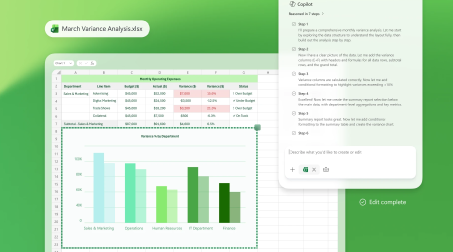
Day 2:
Content + Data Creation
-
Draft and refine documents in Word
-
Build presentations faster in PowerPoint
-
Analyse and visualise data in Excel

Day 3:
Productivity + Advanced Scenarios
-
Copilot in OneNote, Loop, Forms, and OneDrive
-
AI-powered task management and note-taking
-
Advanced integrations, agents, and enterprise data protection
Workshop Details

|
20 July - 22 July (3-day duration) |

|
10:00AM – 12:00PM AEST |
Level: Intermediate
Prerequisites: Familiarity with Microsoft 365


Fill in the form below to register for this workshop