Introducing Adobe Acrobat Studio

The bold next chapter of Acrobat

Unlock the knowledge hidden in your documents, and move faster on what matters.

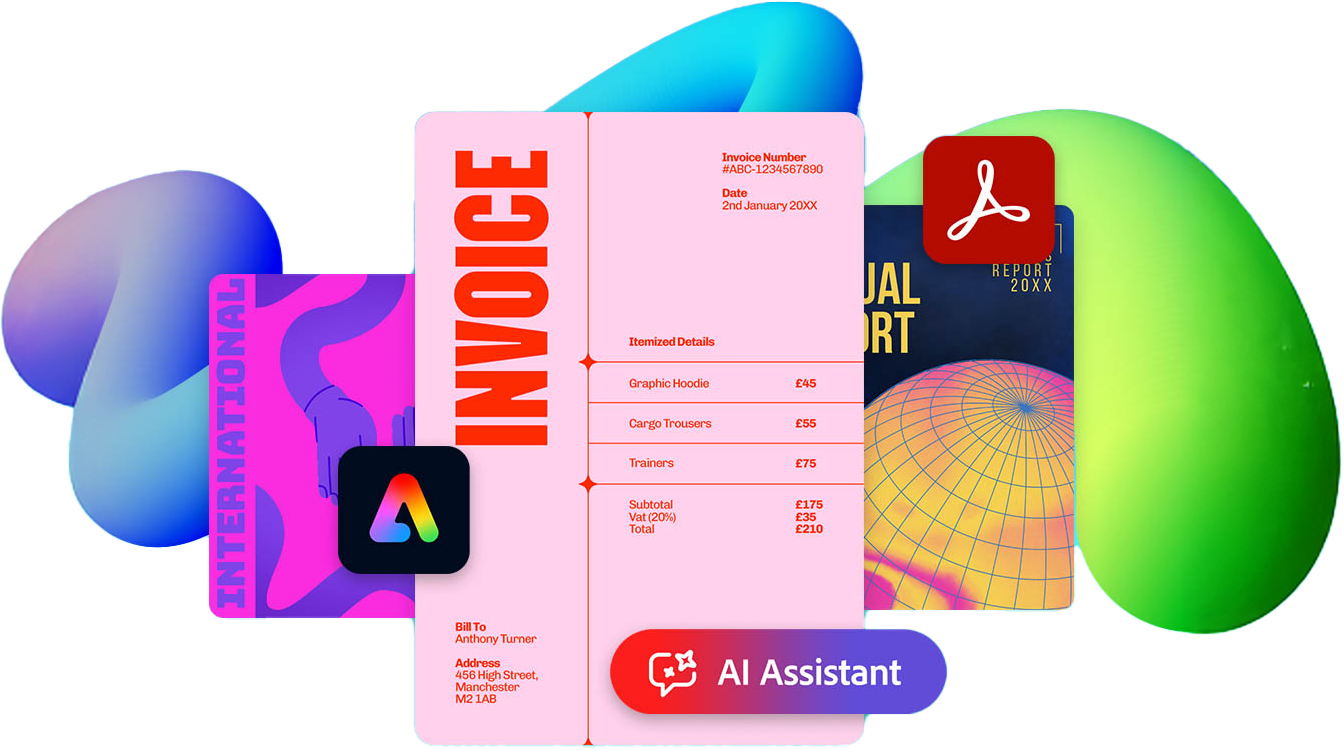
Overlapping digital documents including an invoice and report, with Adobe branding and an AI assistant interface displayed.
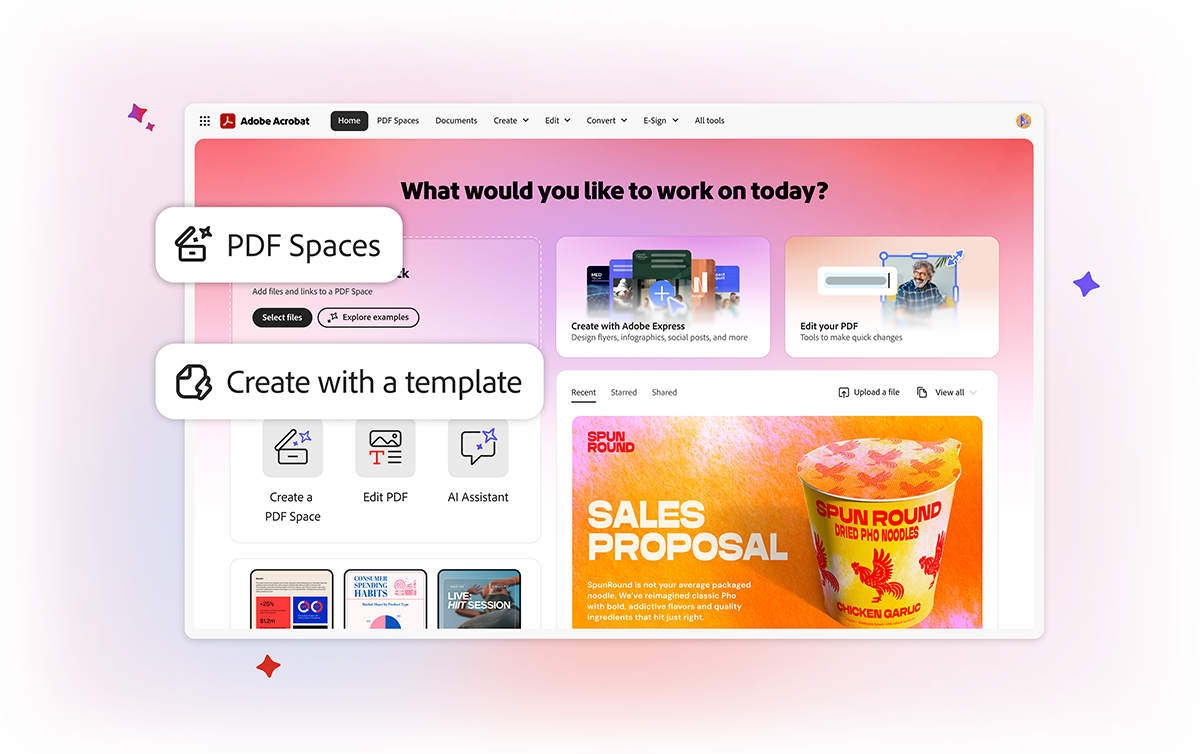
Adobe Acrobat home screen showing options like PDF Spaces, templates, editing tools, and an AI assistant summary panel.

Built to unlock knowledge, simplify collaboration, and power faster decisions across teams.

Acrobat Studio brings AI, multi-document Spaces, and brand-safe content creation into one trusted platform. Built on the PDF foundation teams already rely on, Acrobat Studio helps organisations unlock insights, align faster,  and deliver results with clarity and confidence.

Acrobat Pro

Meet the master multitasker for business documents.

Colorful pitch deck cover with the title “Pitch Deck” and an Edit a PDF label, showing a professional presentation design.

Perfect your PDFs

Take full creative control of your PDF. Fix typos, change fonts, swap and crop images, and more.

Design interface showing a search for “Enhance your brand” over a colorful branding strategy page with abstract shapes and text.

Quickly find and reuse text in your scans

With Optical Character Recognition, it’s easy to turn scans into fully searchable and editable PDFs.
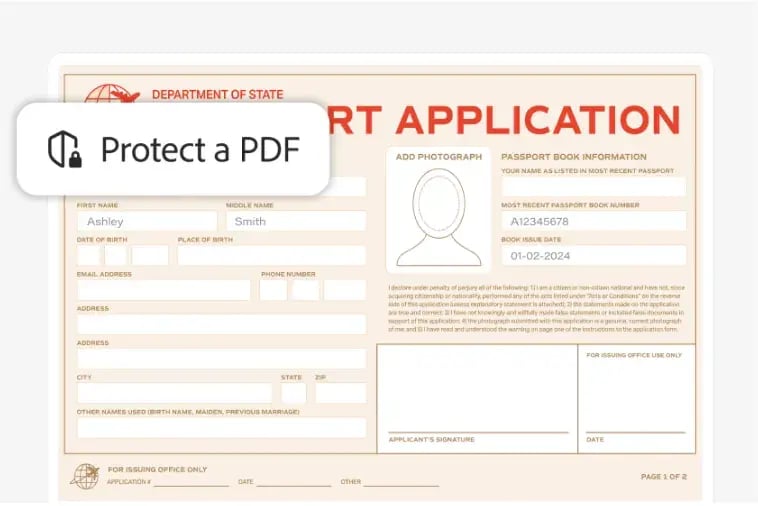
Passport application form with personal details fields and a Protect a PDF security label.

Keep your docs on lock

Add passwords and permissions to PDFs so only the people you want to view your file can see it.
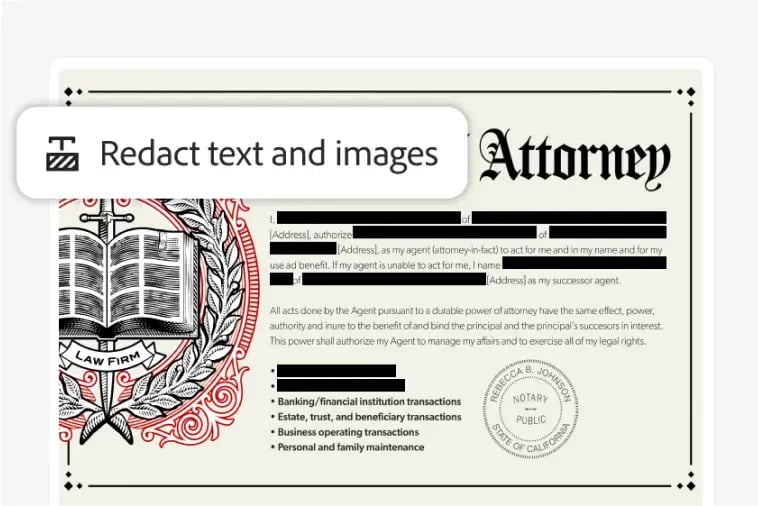
Legal document with blacked-out sections and a “Redact text and images” tool overlay, showing protected sensitive information.

Show only what you need to

Permanently redact sensitive data from a PDF to keep yourself and your customers safe. 
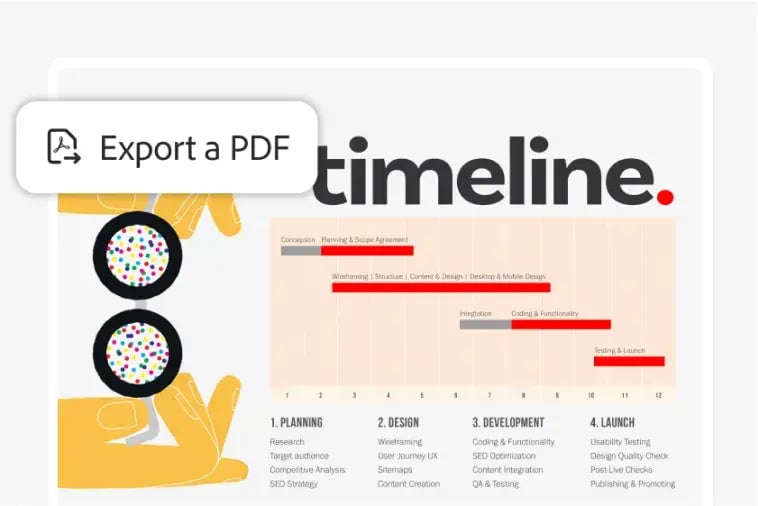
Project timeline graphic showing planning, design, development, and launch phases, with an “Export a PDF” tool overlay.

Work Anywhere

Utilise Acrobat on desktop, web, and mobile.
Acrobat AI Assistant

Save time and effort around complex, lengthy docs – right in your document workflow.

  • Specialised Document AI: Unlock contracts, scans, transcripts, multiple docs, various formats, and up to 600 pages.

  • Trusted, Verifiable Insights: Get high quality responses with clickable attributions that show the precise point in the document right in the Acrobat viewer.

  • Get One-click Summaries: Generate summaries in one click and share with colleagues and customers.

  • Work Anywhere: Utilise AI on desktop, web, and mobile.

  • Simple Data Governance: AI only looks at docs you choose.

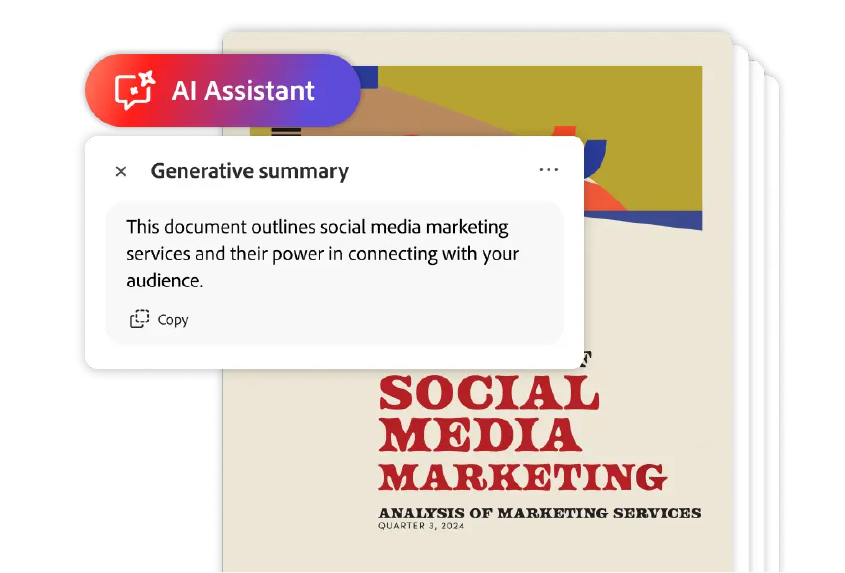
AI assistant panel showing a generative summary over a social media marketing report document.
Co-Pilot M365 Logo

Microsoft Copilot: Focused on general productivity tools. Embedded across Microsoft 365, good for knowledge work across a wide variety of use cases.

AI Assistant Button Graphic

Acrobat AI Assistant: Focused on PDFs where most the important information resides. Embedded in Acrobat, great for insights within complex documents, scans, contracts, agreements, and proposals.

PDF Spaces

Achieve your goals faster with less effort with an all-in-one AI-powered workspace.

  • Centralise files and the work with it: Bring together files, web links, text, and documents, as well as goals, insights, and next steps in a single workspace so clients, partners, and teams can quickly align, contribute, and move work forward.

  • Speed Up Insights: Discover new ideas and themes from a proactive AI-generated dashboard.

  • Smart Assistance: Get insights and suggested next steps via an AI thought partner.

  • Collaborate easily: Share your PDF Spaces and specialised AI Assistant with team members or clients to move work forward without added meetings or rework.

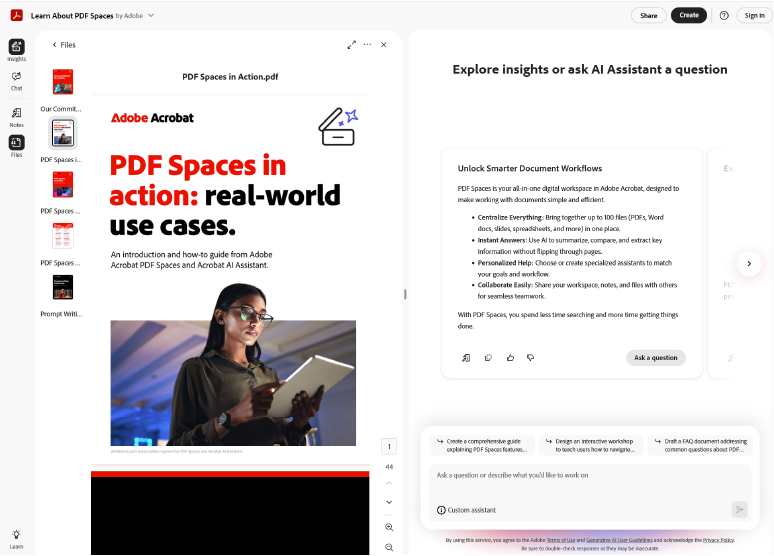
Adobe Acrobat interface showing a PDF Spaces document with real‑world use cases alongside an AI Assistant insights panel.

Adobe Express

Achieve your goals faster with less effort with an all-in-one AI-powered workspace.

Make standout content with ease

Create professional-looking presentations, reports, content for social, and more using templates and millions of commercially-safe stock assets.

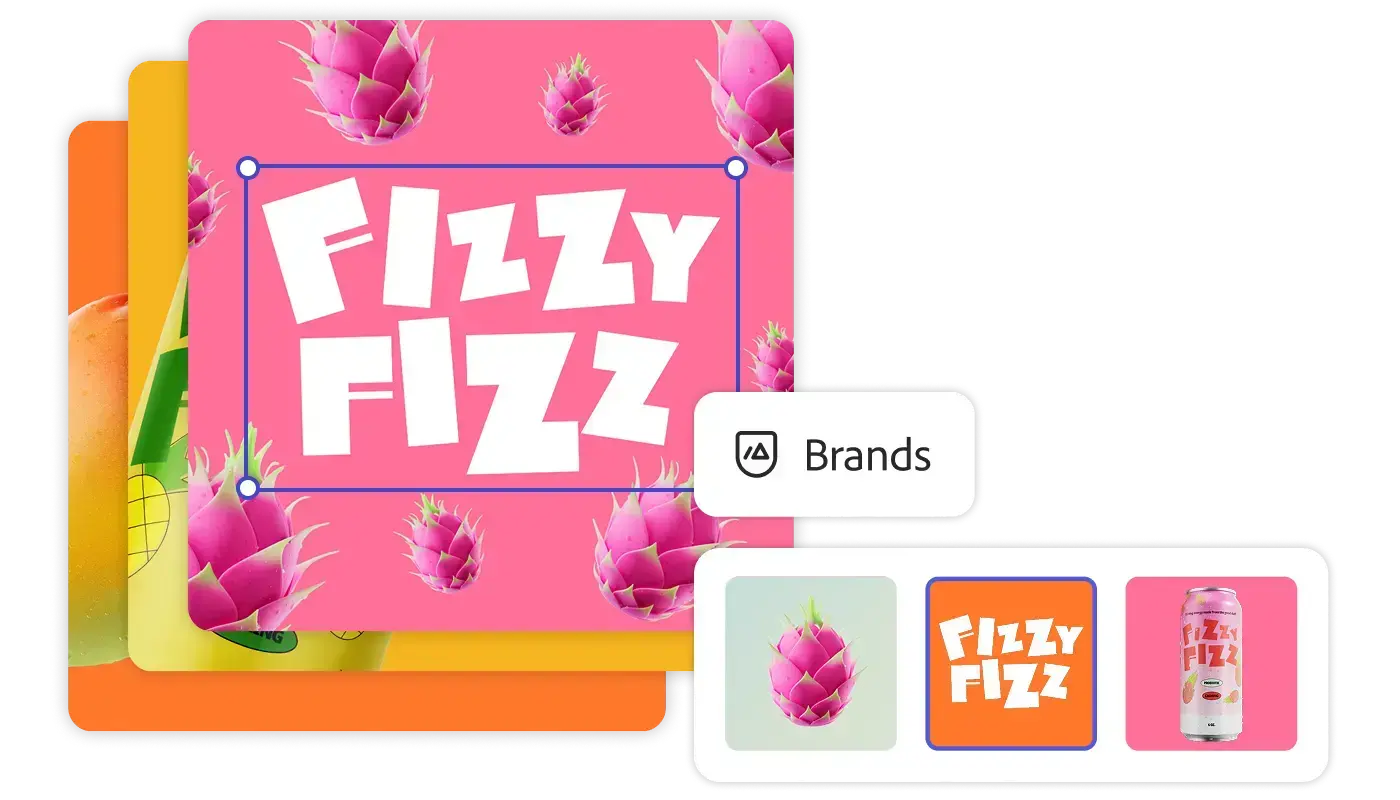
Keep everything you make on brand

Approved templates with locked elements and brand kits ensure teams always have the right assets, fonts, and colors at their fingertips.

Collaborate better together across teams

Work together in real time with live co-editing and commenting. Manage reviews and approvals in one place.

Speed up your content creation

Resize content for different formats in a click. Translate text in seconds. Quickly insert or remove images. Leverage high-quality PDF imports.

See Acrobat Studio in Action

The Next Era of Acrobat: Market My Report

The Next Era of Acrobat: Developing a Sales Proposal

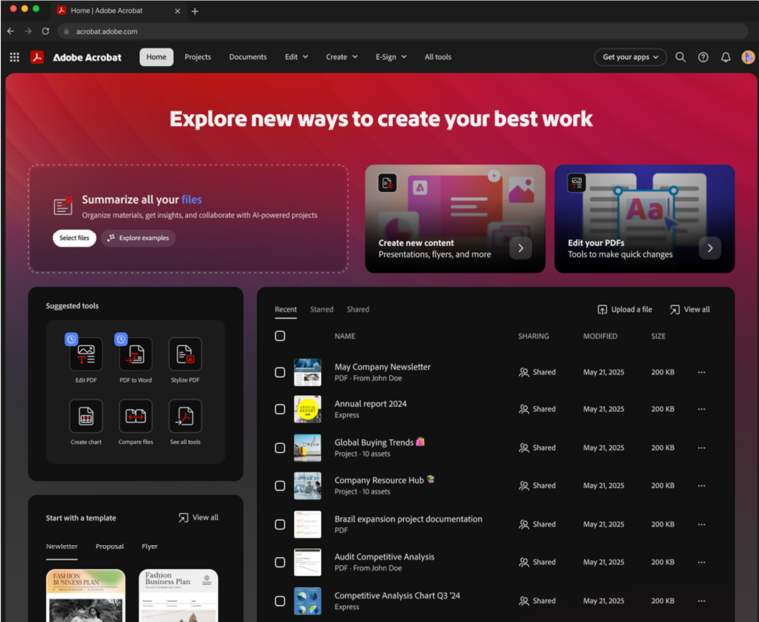
Adobe Acrobat home screen showing tools to summarize files, create content, edit PDFs, and manage recent documents.

New Acrobat Home

Brings together all the existing trusted and new AI-powered capabilities for your document work:

  • Easily access your documents

  • Analyze PDFs, Office files, transcripts, web URLs, and more in a workspace

  • Create new professional-quality content like presentations, reports, infographics, and more

  • Edit, combine, or secure documents you have

At Adobe, Trust Starts Here

Adobe Security

  • Secure-by-design and secure-by-default development practices

  • Testing from an adversary-aware perspective

  • Proactive monitoring and swift remediation

  • Strategic governance, risk management, and security compliance initiatives

  • Adherence to Adobe's Al Ethics Principles: Accountability, Responsibility, Transparency

Document Cloud Security

  • Protected view and protected mode with sandboxing

  • Secure file share and review

  • Dedicated key encryption

  • Microsoft Purview Information Protection

  • Al Assistant only looks at the documents) that you tell it to

  • Customer data not used for LLM training

Designed for Enterprise

  • Centralized management & access control from Admin console

  • Enterprise controls for Al Assistant

  • Integration with Microsoft 365/ SharePoint/OneDrive

  • Ability to use Al Assistant without Adobe Cloud storage (ACP)

  • Enterprise Compliance Certifications

Lets Get Started

Let’s talk and show how Acrobat Studio helps accelerate productivity and create a more collaborative workspace in today's complex hybrid environment.

Profile Picture of Dean

Dean Redding

Senior Business Manager
0418 404 119